One Platform, Four Apps: How Admin, Shopper, Producer and Delivery Roles Each Get Their Own Workflow
A role-by-role breakdown of how a short food supply chain platform splits into four connected apps for administrators, shoppers, producers and drivers, and how an order moves between them.
Why one app cannot serve all four SFSC roles
A short food supply chain has four distinct roles with conflicting needs: an administrator coordinating the whole cycle, a shopper buying food, a producer managing stock and prices, and a driver executing routes. Each works in a different place, at a different time, on a different device, so one shared interface serves none of them well.
The conflict is easy to see once you map the day. A producer updates availability at 6am from a field, often on a phone with patchy signal, and needs to enter quantities in the units they harvest in. A shopper browses in the evening on a couch and wants photos, filters and a checkout that takes under a minute. An administrator opens a laptop mid-morning to see whether the order window closes with enough volume to justify a route. A driver wants one screen: next stop, what to hand over, proof it happened.
Generic e-commerce tools solve the shopper and stop there. Farm management tools solve the producer and stop there. What gets lost in both cases is the connective tissue: the moment an order line becomes a picking task, and the moment a picking task becomes a delivery stop. That handoff is where most local food operations lose hours to spreadsheets, phone calls and messaging groups.
The Administrator app: running the order cycle, not chasing it
The administrator app is the control room of the supply chain. It defines order windows, approves producers and their listings, sets commissions and delivery zones, consolidates incoming orders into per producer pick lists, builds routes, and resolves the exceptions that inevitably appear between order close and dispatch.
Most of an SFSC coordinator's week is spent on a repeating cycle: open the ordering window, watch volume accumulate, close it, split orders by producer, tell each producer what to bring and when, group deliveries geographically, then reconcile what was actually delivered against what was ordered and paid for. Done manually, each step is a spreadsheet export and a round of messages. Done in software, closing the window automatically generates every producer's pick list and every driver's route from the same order data.
The exception handling matters as much as the happy path. A producer delivers 8 kg instead of the 10 kg ordered. Someone cancels after the cutoff. A pickup point closes for the day. The administrator app is where those decisions get made once and then propagate: the shopper sees an adjusted order and refund, the producer sees the corrected quantity in their settlement, and the driver's manifest updates before they load the van.
- Catalogue and producer onboarding: approvals, categories, units, VAT rules
- Order window management: open, close, cutoff reminders, minimum order thresholds
- Order consolidation: one shopper basket split into per producer pick lists automatically
- Logistics setup: pickup points, delivery zones, time slots, route grouping
- Financial layer: commissions, producer settlements, invoices, payout reports
- Exception handling: substitutions, shortfalls, cancellations, partial refunds
The Shopper app: buying from many producers in one basket
The shopper app has one job: make buying from ten small producers feel like buying from one shop. A single basket, one checkout, one delivery or pickup choice, one invoice, and clear visibility of who grew each item and when the next order window closes.
Local food buying has constraints that ordinary e-commerce does not. Availability is seasonal and often changes daily. Quantities are variable, so a shopper ordering 1 kg of tomatoes may receive 0.95 kg and needs to understand how that is priced. Delivery is not next day everywhere, it is Thursday afternoon to a specific pickup point. A shopper app built for SFSC surfaces those constraints instead of hiding them: a countdown to the cutoff, a producer name and location on each product card, and a clear statement of when and where the order arrives.
Retention in local food comes from rhythm rather than promotions. Repeat ordering features carry the weight here: reorder from last week's basket, a saved standard basket, subscription boxes, and notifications when a favourite producer lists something new. The shopper app should also close the loop after delivery with an order history that shows exactly which farm each item came from, which is the material that makes the traceability story real rather than a marketing line.
The Producer app: stock, prices and pick lists from the field
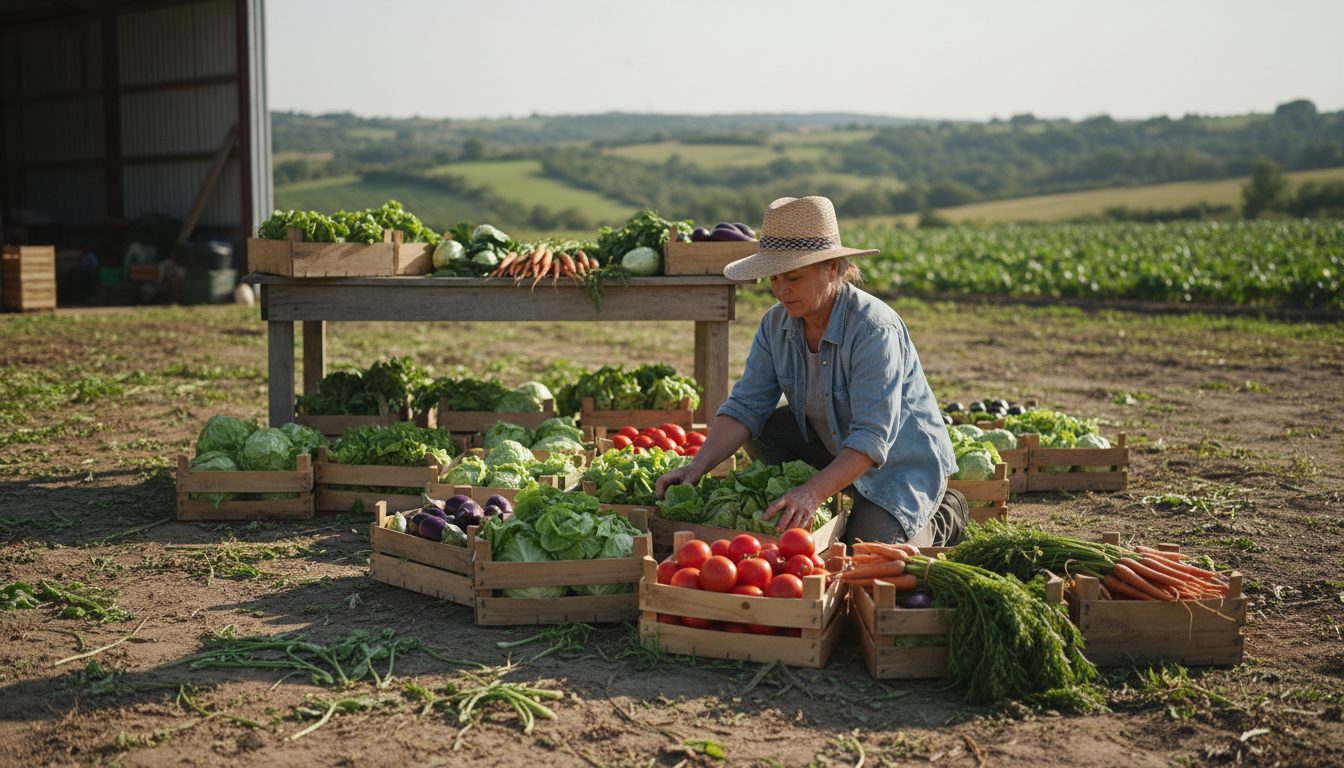
The producer app lets a farmer publish what they actually have, at the price they set, and receive a consolidated pick list when the window closes. It is designed for phone use in the field: a few taps to update quantities, set a price, mark an item out of stock, and confirm what has been packed.
The most common failure in local food platforms is asking producers to maintain a catalogue like an online retailer. They will not. A workable producer app separates the slow moving part, product definitions with photos, units and descriptions set up once, from the fast moving part, this week's available quantity and price. Updating availability should take under a minute per product, with bulk actions for a whole category and the ability to copy last week's setup.
After the cutoff, the app flips from selling to fulfilment. The producer sees one aggregated list: 14 kg of potatoes, 22 lettuces, 9 jars of honey, split by delivery day if needed, with labels or crate tags where the operation uses them. They confirm packed quantities, flag any shortfall, and that confirmation is the signal the administrator and driver need. Settlement records build from the same confirmations, so the producer can see what they are owed without asking anyone.
- Product library: photos, description, unit of measure, pricing rules, set up once
- Weekly availability: quantities and prices per order window, copy from last week
- Order visibility: live view of what has sold before the window closes
- Pick list: aggregated quantities per window, per delivery day, per drop point
- Packed confirmation: report actual quantities, flag shortfalls and substitutions
- Settlements: sold value, commission, payout history
The Delivery app: routes, handovers and proof of delivery
The delivery app turns the day's orders into an ordered list of stops with everything the driver needs at each one: address, contact, time slot, items to hand over, items to collect, and a way to record what happened. It works offline and syncs when signal returns, because rural routes lose coverage.
Local food delivery is not parcel delivery. A single run often includes collection legs at farms, a consolidation stop at a hub, drops at pickup points, and home deliveries in a narrow window. Crates and cool boxes go out and come back. Some customers pay on delivery. The app has to model a route as a sequence of mixed actions rather than a flat list of drop offs, and it has to let the driver reorder or reschedule when a customer is not home.
Proof of delivery is what makes the rest of the system trustworthy. A photo, a signature, or a scanned code at each stop creates the record that resolves disputes later and closes the order in the administrator app. When a driver marks a stop as failed, the shopper is notified and the administrator sees it in the exception queue immediately, rather than discovering it the next morning from a complaint.
Following one order through all four apps
The value of role-specific apps is in the handoffs. A single order touches all four in sequence: the shopper places it, the system splits it by producer, the producer packs against a pick list, the driver collects and delivers, and the administrator settles the money. Each step writes data the next step reads, with no re-entry.
A concrete walk-through makes the pattern clear. On Monday a producer sets 30 kg of tomatoes available at a given price. On Tuesday evening a shopper adds 2 kg to a basket that also contains bread from a bakery and cheese from a dairy, then picks a Thursday pickup point. On Wednesday at noon the window closes and the administrator app generates three pick lists, one per producer, plus a route covering two farm collections and four pickup points. On Thursday morning each producer confirms packed quantities, the tomato grower reporting 1.9 kg instead of 2 kg. That adjustment recalculates the shopper's total and the producer's settlement automatically. The driver collects, delivers, records proof at each stop, and the order closes. Every party sees the same version of events.
That is the core argument for four connected apps rather than one general tool plus a group chat. The information a role needs is the information a different role already entered. Plodie is built on exactly this structure, four role-specific apps over one shared data model, because the coordination cost between roles is usually the thing that limits how large a short food supply chain can grow.
Key Takeaways
- Short food supply chains have four operational roles with genuinely different needs: coordination, buying, stock and pricing, and logistics.
- The administrator app runs the order cycle: windows, consolidation into pick lists, routes, settlements and exceptions.
- The producer app must be fast enough to use from a field, separating a one-time product library from weekly availability and prices.
- The shopper app makes a multi-producer basket feel like one shop, with order windows, pickup points and traceability made explicit.
- The delivery app handles mixed collection and drop routes with offline support and proof of delivery that closes the loop back to admin.
These workflows come from running a real short food supply chain ourselves, described in how our own SFSC, Plodovi.hr, drives our innovation.
Frequently Asked Questions
Do I need all four apps to start a short food supply chain?
No. Many operations start with the shopper and producer apps plus an administrator back office, and handle delivery manually while volumes are small. The delivery app becomes worth adopting once routes involve multiple collections, several pickup points and more than one driver, because that is when paper manifests start causing errors.
What is the difference between SFSC software and a normal e-commerce webshop?
A webshop assumes one seller with fixed stock and next-day shipping. SFSC software assumes many independent producers, availability that changes weekly, order windows with cutoffs, baskets that must be split into per-producer pick lists, and delivery to time-slotted pickup points. It also handles producer settlements and commissions, which a standard webshop does not.
How do producers who are not comfortable with technology use a producer app?
The design target is a phone, a few taps and no typing where possible. Product definitions are set up once, often with help during onboarding, and the weekly task is limited to adjusting quantities and prices, usually with a copy-from-last-week option. Operations that succeed also give producers a person to call during their first two or three cycles.
Can a food hub, cooperative or county-level project use the same platform as a single farm?
Yes, because the difference is mostly in the administrator role. A single farm selling direct uses producer and shopper functionality with a light admin layer, while a hub or cooperative uses the full administrator app to onboard many producers, consolidate orders and manage shared logistics. The shopper and delivery experiences stay the same in both cases.
What happens when a producer cannot deliver the full quantity ordered?
The producer flags the shortfall when confirming packed quantities. The system recalculates the shopper's total and issues a partial refund or credit, updates the driver's manifest before loading, and adjusts the producer's settlement. The administrator sees the exception in a queue and can offer a substitution instead if the operation allows it.