Running a Local Food Hub on One Platform: How Aggregation, Consolidated Ordering and Multi-Producer Reconciliation Actually Work
A working breakdown of food hub operations on a single platform: how catalogue aggregation, consolidated ordering, pick-and-pack splits, route assignment and multi-producer reconciliation fit together instead of living in five disconnected tools.
What a food hub actually does operationally, in five steps
A food hub aggregates supply from many independent producers, sells it as one catalogue, splits each customer order back into per-producer pick lists, consolidates the picked goods into single deliveries, and then reconciles money in both directions. Those five steps are one workflow, not five departments.
The complexity is not in any single step. It is in the fact that every step depends on data created in the previous one, and that data changes constantly. A grower revises availability on Tuesday morning after a frost. A customer edits an order on Tuesday afternoon. The pick list printed Tuesday evening has to reflect both. When each step lives in a different tool, someone has to carry the change across manually, and that person becomes the bottleneck and the source of most errors.
Most hubs start with the tools that are free and familiar: a shared spreadsheet for availability, a form or email thread for orders, a storefront for retail customers, a messaging group for drivers, and a second spreadsheet for producer payments. Each works. The seams between them do not.
- Aggregate: collect availability, prices and lead times from every producer for the coming order window
- Publish: merge that into one shopper-facing catalogue with hub pricing, margin and delivery options applied
- Order: take customer orders against live, shared stock so two customers cannot buy the same last five kilos
- Split and consolidate: break orders into producer pick lists, then reassemble arriving goods into customer boxes
- Reconcile: settle what each producer is owed, what the hub retained, what the delivery cost and what the customer paid
Aggregation: turning forty availability lists into one catalogue
Aggregation means each producer maintains their own products, prices, units and available quantities, and the platform composes those into a single shopper catalogue automatically. The hub sets margin rules, ordering windows and product approval, but does not retype anyone's list. Availability changes propagate to the storefront without an intermediate step.
The hard parts are unit consistency and window discipline. One grower sells lettuce by the head, another by the kilo, a third by the case of twelve. A hub that lets these coexist untranslated will eventually pick 12 heads when the customer bought 12 cases. The fix is a shared unit vocabulary defined once at the hub level, with each producer's own unit mapped to it at product setup, so pick lists, invoices and payouts all speak the same language.
Window discipline matters just as much. Producers need a cut-off after which stock is committed and cannot silently vanish, and a mechanism for declaring a shortfall that triggers a defined consequence: substitution, partial refund, or removal from the box. If shortfalls arrive as WhatsApp messages at 6am, no amount of catalogue software helps. The declaration has to happen in the same system that holds the order.
Consolidated ordering: one basket, many suppliers, one checkout
Consolidated ordering lets a customer fill one basket from several producers and check out once, with a single payment, one delivery slot and one order reference. Behind that single order, the platform holds per-producer line items so the same order can be printed as separate pick lists and settled as separate payouts.
This is the point where single-merchant storefronts break. A conventional e-commerce cart assumes one seller, one stock ledger and one payout destination. A hub needs the opposite: one cart, many stock ledgers, many payout destinations, and a delivery slot that only becomes available if every included producer can supply into that slot. That last constraint is easy to overlook. If a cheesemaker delivers to the hub on Thursdays only, their products cannot appear as available in a Wednesday collection round, and the checkout has to know that.
Wholesale and retail customers also want different things from the same catalogue. A restaurant expects account pricing, ordering by case, a standing weekly order and payment on invoice. A household expects consumer pricing, ordering by piece and payment at checkout. Running these as two separate systems doubles the stock reconciliation work. Running them as two customer types against one stock pool is what keeps the hub's numbers honest.
The pick, pack and route layer: where consolidated orders come apart on purpose
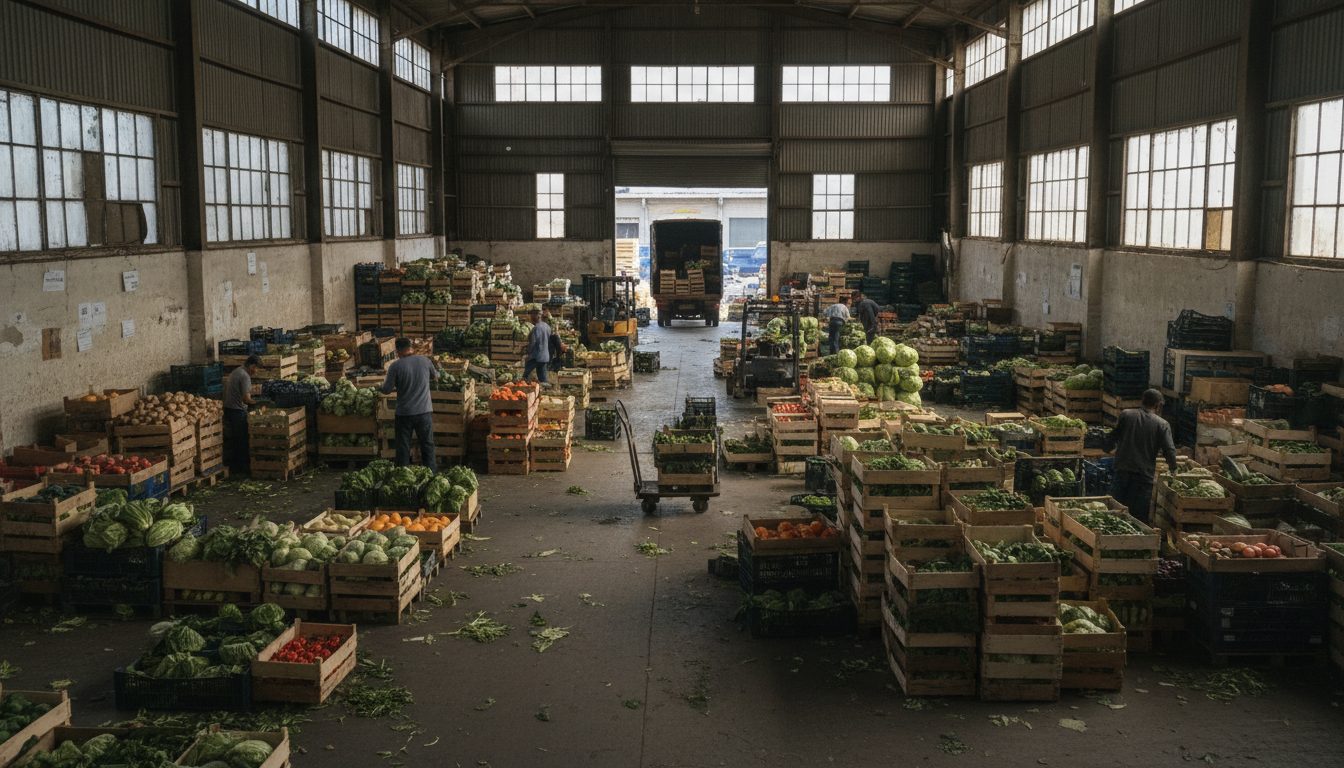
Once orders close, the platform inverts the data: it groups every line item by producer to create purchase orders and pick lists, then regroups the arriving goods by customer to create pack lists, then groups packed boxes by route to create driver manifests. Same order data, three different views, generated rather than retyped.
Two discrepancies always occur here, and a hub needs both to be captured at the moment they happen. The first is the producer shortfall: 40 kilos ordered, 34 delivered. The second is the pack-out discrepancy: the box was packed without an item because it was damaged or missing. Both change what the customer is charged and what the producer is paid, and both are recorded by whoever is standing at the crate, not by an administrator reconstructing the day from notes at 7pm.
Routes then need to reflect real constraints rather than a map alone: chilled items grouped so the cold chain holds, collection points with fixed opening hours, customers who accept a doorstep drop and those who do not. The driver app's job is to record proof of delivery and any final failure, which closes the loop back to billing. Deliveries that failed on the doorstep are the last unrecorded event that can corrupt a settlement run.
Multi-producer reconciliation: settling money in both directions
Reconciliation in a hub means answering two questions for every order window: what did each customer actually receive and pay for, and what does each producer get paid after commission, shortfalls, packaging deposits, delivery contribution and tax. Both answers must be derived from the same delivered-quantity data, not from the ordered quantities.
The distinction between ordered and delivered is the entire discipline. A settlement run built on ordered quantities will overpay producers who came up short and overcharge customers who received substitutions. So each line item needs three numbers carried through: ordered, supplied by the producer, and delivered to the customer. Commission is calculated on what was supplied. Customer charges are calculated on what was delivered. The gap between the two is the hub's shrinkage, and seeing it as a number per producer per week is one of the most useful reports a hub can have.
Then there are the rules nobody writes down until a dispute forces them. Who absorbs the cent when a percentage commission does not divide cleanly. Whether the delivery fee is a flat customer charge or apportioned across producers by order value. How a returned crate deposit is credited. Whether a producer with a repeated shortfall carries the refund cost or the hub does. These are policy decisions, and software's job is to encode them consistently so the same answer comes out every week and every producer can see the workings on their own statement.
Why one platform with four roles beats five integrated tools
A single platform with distinct administrator, shopper, producer and driver interfaces keeps one copy of the order, stock and price data while giving each role only the screens they need. Integrating five separate tools reproduces the same workflow but adds sync lag, mapping errors and a permanent maintenance burden on whoever owns the integrations.
The practical difference shows up in the small events. A producer marks 6 of 40 kilos unavailable at 8am. On one platform, the pick list, the affected customer orders, the pack list, the refund and the producer's expected payout all update from that one action. Across integrated tools, that action fires a webhook, or does not, and someone checks. Hubs run on thin margins with small teams, and the cost of that checking is rarely counted until an operations coordinator quits.
There is also a governance argument. Producers stay in a hub when they trust the numbers. Giving each producer their own login where they can see their orders, their shortfalls, their commission line and their statement history removes most payment disputes before they start, because the producer is looking at the same record as the administrator rather than a PDF summary they have to take on faith. Plodie is built this way, as one data model behind four role-specific apps, because that is what hub operations actually need rather than a storefront with plugins bolted around it.
Key Takeaways
- A food hub's workflow is one chain: aggregate availability, publish a merged catalogue, take consolidated orders, split into pick lists, consolidate into deliveries, then reconcile money in both directions.
- Consolidated ordering needs one cart with many stock ledgers, many payout destinations and slot availability that respects each producer's delivery days, which is exactly what single-merchant storefronts cannot do.
- Every line item should carry three quantities: ordered, supplied and delivered. Commission is calculated on supplied, customer charges on delivered, and the gap is the hub's shrinkage.
- Shortfalls and pack-out discrepancies must be recorded by the person holding the crate, at the moment they happen, or the settlement run will be wrong.
- Rounding, delivery fee apportionment, deposits and shortfall liability are policy decisions first. Software's job is to encode them so every producer sees the same workings every week.
For the reconciliation mechanics at the level of individual cents, see our line-by-line teardown of a single settlement run, which splits a €38 vegetable box between 11 growers, the co-op and the van.
Frequently Asked Questions
What is the difference between a food hub and a farmers market platform?
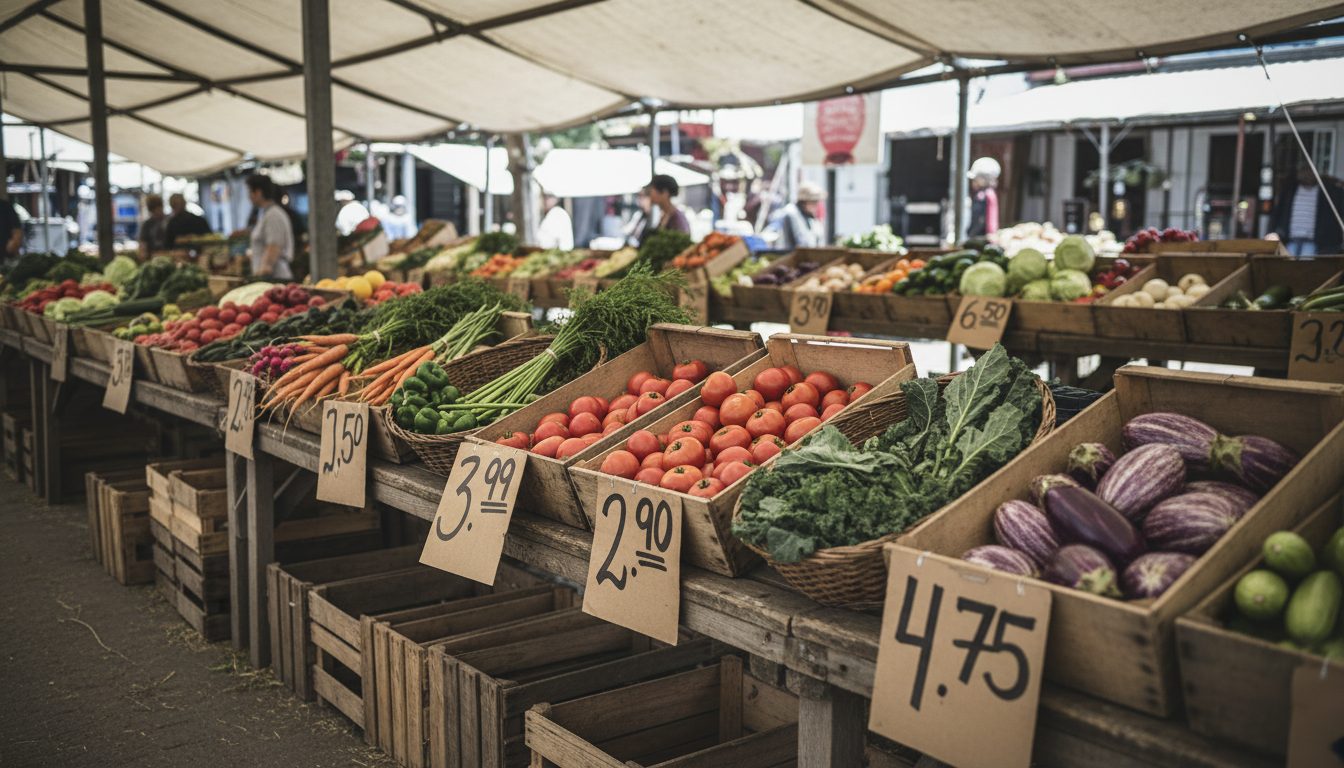
A farmers market platform typically keeps each producer's sales separate: the customer buys from several stalls and each seller fulfils their own items. A food hub takes physical and financial custody, aggregating goods into consolidated orders it packs, delivers and invoices under its own name. The hub therefore needs stock aggregation, pick and pack workflows and producer settlement, which market software often does not include.
How do you handle a producer who delivers less than the quantity ordered?
Record the shortfall against the specific line item at goods-in, before packing starts, so the system can decide which customer orders are affected using a documented rule such as first ordered first served, pro rata reduction, or substitution. The affected customers are then refunded or credited automatically and the producer is paid only for what they supplied. The key is capturing the shortfall once, at the crate, rather than reconstructing it later.
Can a food hub sell to both restaurants and households from the same inventory?
Yes, and it should, because splitting wholesale and retail into two systems doubles the stock reconciliation work. Run one stock pool with customer types that carry different price lists, minimum order values, units of sale, ordering windows and payment terms. Restaurants get case pricing and invoice terms, households get consumer pricing and checkout payment, and both draw down the same available quantity.
What does a food hub need before migrating off spreadsheets?
A cleaned producer list with bank details and commission rates, a product catalogue with consistent units and pack sizes, current price lists separated by customer type, delivery zones with slot rules, and written answers to the policy questions about shortfalls, rounding and delivery fee allocation. Most migration delays come from unresolved policy, not from data volume. Running one order window in parallel on both systems is the standard way to de-risk the switch.
How much of a hub's admin time does an integrated platform actually remove?
The savings concentrate in the repetitive transcription tasks: rebuilding pick lists, retyping orders between tools, chasing availability by phone and assembling producer statements by hand. Judgement work such as substitution decisions, producer relationships and route exceptions does not disappear. A realistic way to size it is to log the hours currently spent on each of those transcription tasks for two order windows before comparing platforms.