Onboarding a Grower Who Has Never Used an App: Designing for Low Digital Literacy in Local Food
How to bring paper-and-phone-call producers onto a digital platform: the interface decisions, offline behaviour and onboarding sequence that get a 62-year-old grower posting stock without a training manual.
Why the first login is the hardest part of the whole system
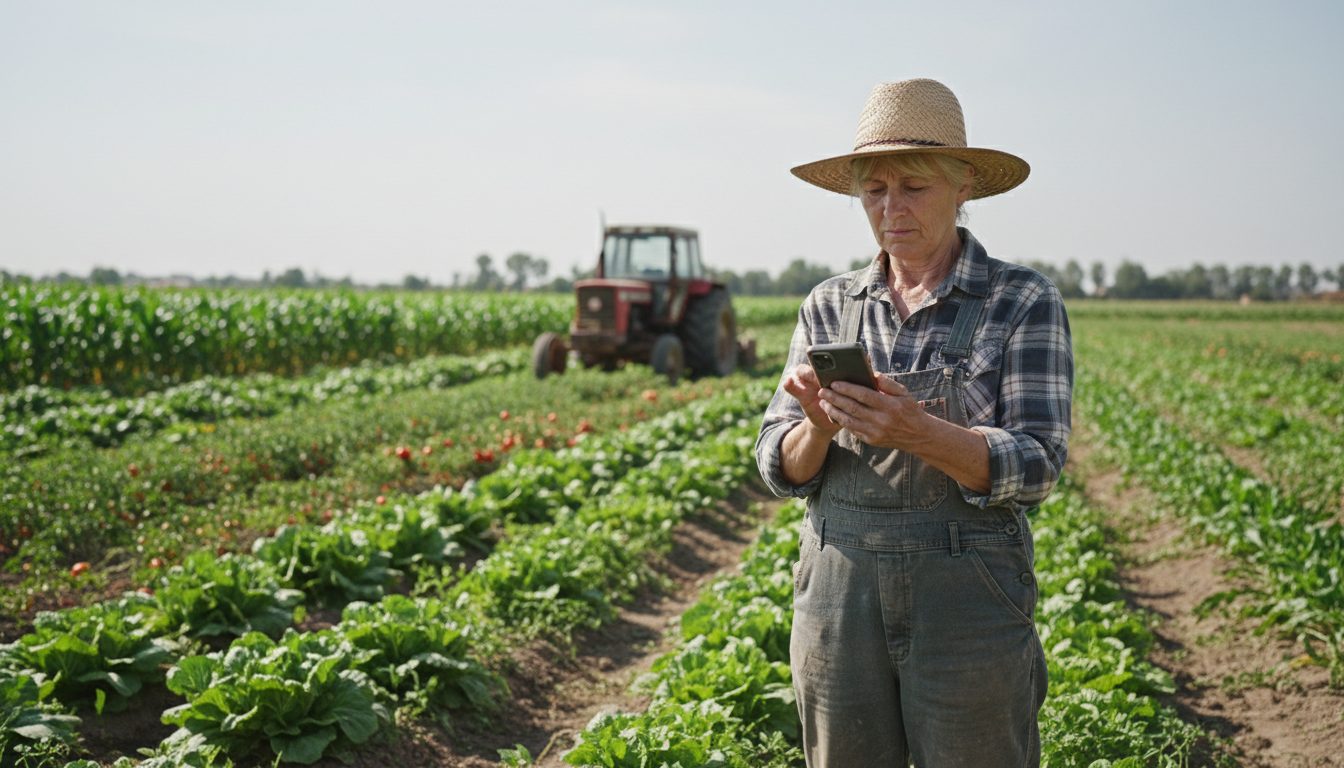
The hardest technical problem in a short food supply chain is not payouts or routing. It is getting a producer who has never installed an app to complete one action, post available stock, without calling the co-op coordinator. If that action fails once, most growers revert to the phone call permanently and the platform quietly becomes a data-entry job for staff.
The failure mode is predictable. A grower gets an invitation email they never open because their email is on a laptop their son set up. They download an app store app that asks for a password with a capital letter and a symbol. They see a dashboard with tabs for orders, products, invoices, settings and notifications and no obvious first move. Nothing in that sequence is broken. Each step just costs a small amount of confidence, and by step four there is none left.
Designing for this user is not about big fonts. It is about reducing the number of decisions between opening the app and finishing the one task that matters this morning, and making sure every failure is recoverable without a support call.
What actually blocks non-digital-native producers
Four concrete blockers show up repeatedly with older and paper-based producers: account creation and passwords, ambiguous vocabulary, fear of irreversible mistakes, and patchy connectivity in fields and cold rooms. None of these are literacy problems in the pejorative sense. They are design problems that most software quietly outsources to the user.
Passwords are the biggest single drop-off. A producer who writes prices in a notebook does not have a password manager, and a forgotten password flow that sends a reset link to an unused email address is a dead end. Vocabulary is the second. Words like SKU, variant, inventory, publish, draft and fulfilment do not map to how a grower talks about ten crates of lettuce that are ready on Thursday. Fear of mistakes is the third and the most underestimated: many producers hesitate on any button because they assume something will be sent to customers or the tax office and cannot be undone.
Connectivity is real but often overstated in the wrong direction. The problem is rarely no signal at all. It is one bar in a polytunnel, so a form submit spins for twenty seconds and then throws an error after the data was actually saved. The producer then re-enters everything and ends up with duplicate listings, which teaches them the app cannot be trusted.
Interface decisions that make an app usable on day one
The design pattern that works is one screen, one job, in the producer's own words, with everything undoable. Replace a dashboard with a single question the grower can answer from memory: what do you have this week, and how much. Everything else, invoices, history, settings, moves behind a secondary screen they can ignore for months.
Some specific decisions we keep coming back to when building producer-facing screens:
- Phone number plus SMS code instead of email and password. No password to forget, and the phone is the device they already carry.
- Last week's list pre-filled as the starting point. Most producers offer roughly the same items; the weekly task becomes editing quantities, not creating products.
- Quantities in the units they use out loud: crates, bunches, kilos, bags. If the co-op needs a normalised unit for pricing, convert in the background.
- Big, unambiguous primary buttons with verbs, not nouns. "Send my list" beats "Publish inventory".
- A visible undo window and a plain confirmation screen: "Your list is sent. You can change it until Wednesday 18:00." Reversibility removes the fear that stops the first tap.
- No modal dialogs, no tooltips, no onboarding carousel. Anything that must be dismissed before working is a barrier, not guidance.
- Photos optional and never blocking. A grower who cannot get a decent photo of parsley should still be able to sell parsley.
Building for one bar of signal, not zero
Design for intermittent, slow connections rather than a binary online/offline state. Save locally on every field change, queue the submit, and tell the producer in plain language that the list is saved on the phone and will be sent when signal returns. Then send it once, with an idempotency key, so a retry never creates a duplicate listing.
The behaviour that matters most is what the screen says while the network is bad. A spinner with no timeout teaches learned helplessness. A short message like "Saved on your phone. We will send it as soon as you have signal" plus a small pending badge lets the producer walk away and get on with picking. When the queue flushes, an SMS or push confirmation closes the loop: "Your list for Thursday was received: 12 crates lettuce, 8 kg tomatoes."
Two more practical points. Keep the producer app light enough to work on a five-year-old Android phone on 3G, because that is the actual hardware in the field. And make every important confirmation available over a channel that does not require opening the app, since SMS is the one interface every producer in this group already trusts.
A first-week onboarding sequence that sticks
Onboarding a paper-based producer is a human process with software support, not a self-serve funnel. The sequence that works is: set the phone up together in person, do one real posting during that visit, keep paper running in parallel for two to three cycles, then remove the paper once the producer has completed two postings unaided.
The in-person step is non-negotiable for this user group and it is shorter than people expect. Fifteen minutes with the coordinator covers installing the app, receiving one SMS code, and posting an actual list that actually reaches an actual order. The producer's first experience of the platform is a success, not a tutorial. Crucially, the coordinator holds their own phone and lets the producer tap. If the coordinator does the tapping, the producer learns nothing and calls again next week.
Parallel running matters as much as the interface. For the first two or three delivery cycles the coordinator still accepts a phone call or a note, and enters it on the producer's behalf so that the record in the app matches reality either way. Nobody loses income because they were slow to adapt. Once a grower has sent two lists on their own, the phone-call fallback quietly stops being needed, and the ones who still prefer calling are visible in the data so the coordinator can spend time where it helps.
- Visit 1 (15 minutes): install, SMS login, post a real list together, save the coordinator's number in the phone.
- Cycle 1 to 3: paper or phone call still accepted, coordinator mirrors it into the app the same day.
- Cycle 2 onward: coordinator sends a short SMS reminder before the cut-off instead of calling.
- After two unaided postings: stop mirroring, keep the phone number as the exception route.
- Ongoing: one named human to call. Not a ticket form, not a chatbot.
How to tell whether onboarding worked
Measure unaided completion, not logins. The signal that onboarding worked is the share of producers who post a list before the cut-off without staff intervention, plus the number of coordinator minutes spent entering data on someone else's behalf. Both are countable per delivery cycle and both are honest.
A few other indicators are worth watching in a co-op setting. Time from opening the app to sending the list, because anything over two minutes means the screen is asking too much. Corrections made after sending, which usually reveal a unit or wording mismatch rather than carelessness. And support contacts per producer per cycle, which should fall towards zero for most and stay nonzero for a handful who genuinely need a different route.
Some producers will never post their own lists, and that is a valid outcome rather than a failure. A good system keeps an admin-side path for a coordinator to enter stock for them in seconds, so the operation still gets clean data. That is one of the reasons Plodie splits the platform into separate producer and administrator apps over a shared data model: the person doing the typing can change without the rest of the chain noticing.
Key Takeaways
- The main barriers for non-digital-native producers are passwords, unfamiliar vocabulary, fear of irreversible actions and half-working connectivity, not age or intelligence.
- Replace email-and-password with phone number plus SMS code, and pre-fill last week's list so the weekly task is editing numbers rather than creating products.
- Design for one bar of signal: save locally, queue the submit, use idempotency keys so retries never create duplicates, and confirm over SMS.
- Onboard in person in about 15 minutes with one real posting, then run paper in parallel for two to three delivery cycles before switching it off.
- Track unaided postings before the cut-off and coordinator data-entry minutes, and keep an admin-side entry path for producers who will never self-serve.
For the wider design system these producer screens sit inside, see our breakdown of the UX decisions behind four apps that feel like one, covering how admin, shopper, producer and delivery interfaces share one data model without sharing one interface.
Frequently Asked Questions
Should I build a mobile app or just use SMS and WhatsApp for farmers who aren't tech savvy?
Use both, for different jobs. Structured data entry (items, quantities, prices) belongs in an app or a mobile web form because free-text messages have to be retyped by staff, which defeats the purpose. Notifications, reminders and confirmations should go over SMS or WhatsApp, since those are channels producers already read without being asked to open anything new.
How long does it take to onboard a small producer onto a local food platform?
For a producer already used to smartphones, a self-serve signup and first listing can take under ten minutes. For a paper-based grower, plan on a single 15-minute in-person session plus two to three delivery cycles of parallel running with paper or phone calls accepted. The calendar time matters more than the training time.
What if a producer refuses to use the app at all?
Keep a coordinator-side entry path and treat it as a supported route, not a failure. An administrator should be able to enter a producer's weekly availability in seconds from a phone call, so traceability, stock and payouts stay complete. The cost is a few minutes of staff time per cycle, which is far cheaper than losing a good grower.
Is designing for older users the same as accessibility compliance?
They overlap but are not the same. Accessibility standards cover contrast, text size, touch target size and screen reader support, all of which help. Low digital literacy adds problems standards do not address: unfamiliar vocabulary, fear of irreversible actions, no password manager, and no mental model of how apps are structured. You need both.
What is the single biggest cause of drop-off when onboarding non-digital-native users?
Account creation. Email verification links, password rules and forgotten-password flows that depend on an email address the user rarely checks are where most first sessions end. Phone number plus a one-time SMS code removes the whole category of problem, because the code arrives on the device already in the user's hand.